
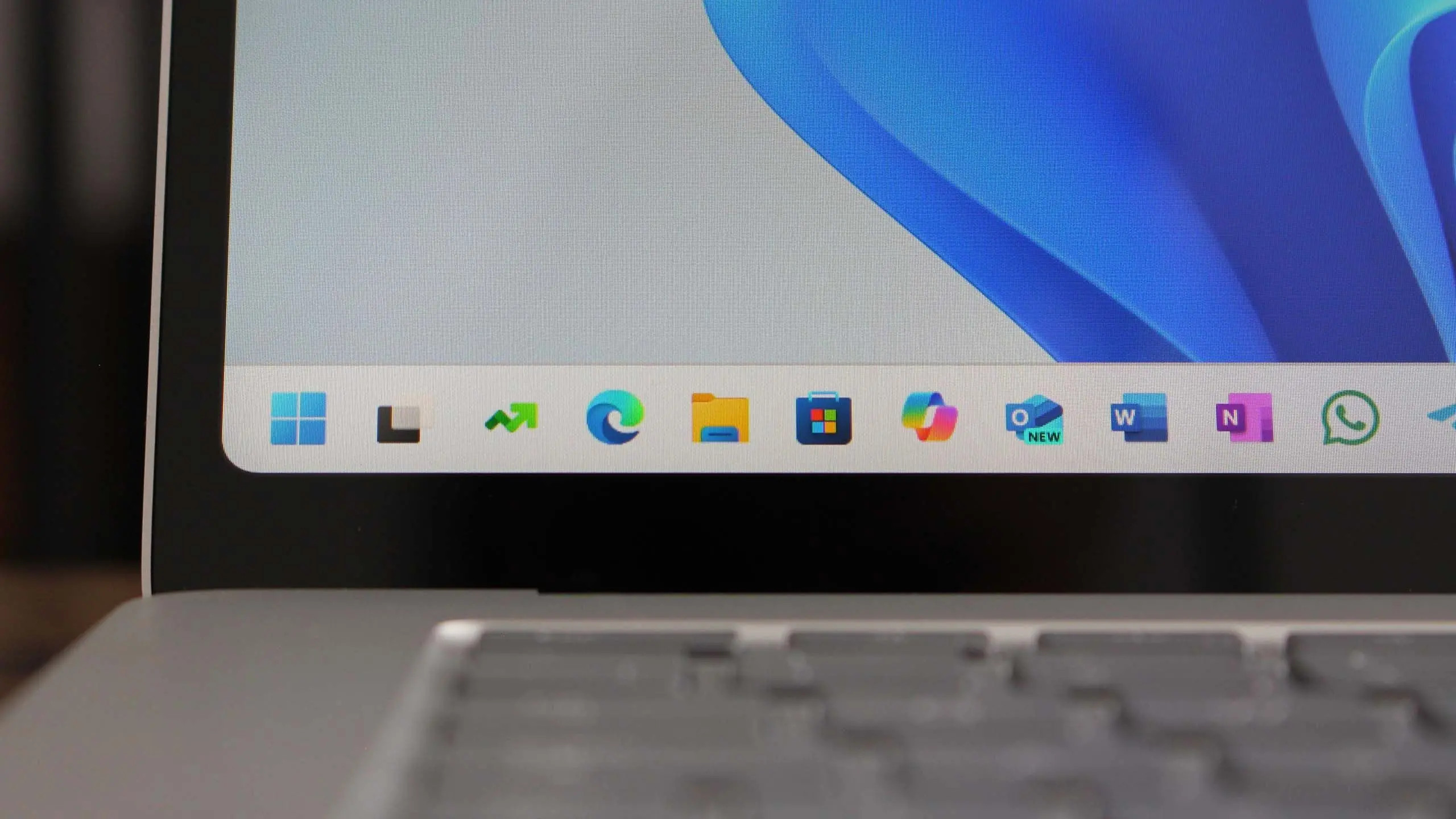
Microsoft continues to evolve Windows 11 with its annual feature update cycle. The upcoming version 25H2, expected to roll out in the second half of 2025, promises significant enhancements that build upon the foundation laid by Windows 11 2024 Update (version 24H2). As with previous releases, Windows 11 25H2 will be delivered via Windows Update and likely through a media creation tool for clean installs. This article provides a comprehensive overview of what users can expect from the next major OS release.
Release Schedule and Availability
Based on Microsoft's history, Windows 11 25H2 is anticipated to enter public preview in early 2025 via the Windows Insider Program. The release candidate phase should occur around mid-2025, with the final stable build rolling out to all compatible devices in September or October 2025. Microsoft typically uses a phased rollout to ensure stability, so some users may not receive the update immediately. Enterprise and education editions often gain access through Windows Update for Business and WSUS channels shortly after consumer availability.
Windows 11 25H2 will be a feature update, not a version upgrade, meaning it will install over existing Windows 11 installations while preserving files and apps. However, users are advised to back up important data before applying major updates. The update size is expected to be similar to previous feature updates, ranging from 2-5 GB depending on the current build and installed components.
Key New Features and Enhancements
Artificial Intelligence Integration
The most significant focus of Windows 11 25H2 is deeper artificial intelligence (AI) integration. Microsoft is investing heavily in its Copilot AI assistant, which first appeared in Windows 11 23H2. In 25H2, Copilot will become more deeply embedded into the operating system. Users can expect Copilot to assist with file management, system settings, task automation, and content creation. For instance, Copilot may be able to organize folders, summarize documents, and recommend actions based on usage patterns. Additionally, on-device AI processing via NPUs (Neural Processing Units) will power real-time effects in video calls, such as background blurring, eye contact correction, and voice isolation. Microsoft is also working on AI-driven search improvements, allowing users to find files and settings using natural language queries.
Enhanced Multitasking and Desktop Management
Windows 11 25H2 will introduce several improvements to Snap Layouts and virtual desktops. Users might be able to save custom snap templates and quickly apply them to multiple monitors. The task view interface may gain the ability to reorder desktops with a simple drag-and-drop gesture. Another expected feature is improved window grouping, where related apps (like a set of Office applications) can be grouped together so that minimizing one action collapses the entire group. Microsoft also plans to improve virtual desktop backgrounds, allowing each desktop to have its own wallpaper and color scheme for better visual differentiation.
File Explorer Upgrades
File Explorer received a modernized design in Windows 11 23H2 with tabs and a refreshed left-hand navigation pane. For 25H2, Microsoft is likely to add better integration with cloud storage services like OneDrive and third-party providers. Users may see “Recommended” sections that use AI to surface frequently accessed or recently modified files directly within File Explorer. Additionally, context menus are expected to become more consistent, with fewer nested options and faster loading times. The new version may also introduce a “Gallery” view that aggregates images from specified folders and cloud locations, complete with a date slider for quick navigation.
Security and Privacy Improvements
Security remains a top priority for Microsoft. Windows 11 25H2 will likely require hardware-supported security features such as TPM 2.0 and Secure Boot, which are already mandatory for Windows 11. However, the update may introduce stricter enforcement against virtualization-based security attacks. New security features could include improved zero-trust architectural elements for enterprise environments, better phishing protection in Microsoft Edge integrated into Windows Defender SmartScreen, and enhanced biometric authentication via Windows Hello. Microsoft may also expand the use of Pluton security processors on compatible devices, ensuring that encryption keys remain isolated from the main CPU.
For privacy, Windows 11 25H2 is expected to provide more granular control over data collection, including per-application permissions for microphone, camera, and location. Users will likely see clearer notifications when apps request access to sensitive data in the background.
Energy Efficiency and Performance
As sustainability becomes a global focus, Microsoft will include additional energy-saving capabilities in this release. The battery usage graphs in Settings may provide more detailed breakdowns by app and background process. A new “Eco mode” might automatically reduce power consumption when the device is idle or running on battery, without sacrificing performance. For desktop users, dynamic refresh rate switching could be more aggressive to save power without noticeable flicker. Performance optimizations for the operating system itself include faster boot times through improved memory management and reduced background activity during critical user interactions.
System Requirements and Compatibility
Windows 11 25H2 will maintain the same hardware requirements as Windows 11 version 22H2 and later: a 64-bit processor with at least 1 GHz and two or more cores, 4 GB of RAM, 64 GB of storage, UEFI with Secure Boot enabled, TPM 2.0, and a DirectX 12 compatible graphics card. Devices that already run Windows 11 should be able to upgrade without issues. However, Microsoft may enforce stricter compatibility checks for certain features like AI-based effects, which require a dedicated NPU or a compatible GPU. Users with older hardware may find that some features are not available or are limited.
What About the Next Version of Windows?
Windows 11 25H2 is expected to be the last feature update for Windows 11 before the introduction of Windows 12, which Microsoft has hinted could arrive in 2026. Windows 12 is rumored to rely more heavily on AI, touch integration, and a modular design. Still, Windows 11 25H2 will remain supported for at least 24 months (longer for enterprise editions) after its release, giving users ample time to transition. Microsoft is committed to maintaining Windows 11 for devices that cannot meet Windows 12 requirements, so 25H2 might also be the highest version those PCs will officially receive.
How to Prepare for the Update
To ensure a smooth upgrade to Windows 11 25H2, users should keep their current Windows 11 installation fully up to date with the latest cumulative updates. It is also advisable to check for driver updates from the device manufacturer, especially for graphics, chipsets, and optional hardware like external webcams. Free up disk space by uninstalling unnecessary applications and running Disk Cleanup. Creating a system backup before the update is always a prudent step. Once the update is available, it will appear in Windows Update as an optional or recommended update. Enterprise users should coordinate with their IT department to test compatibility with line-of-business applications.
Source: Windows Central News