

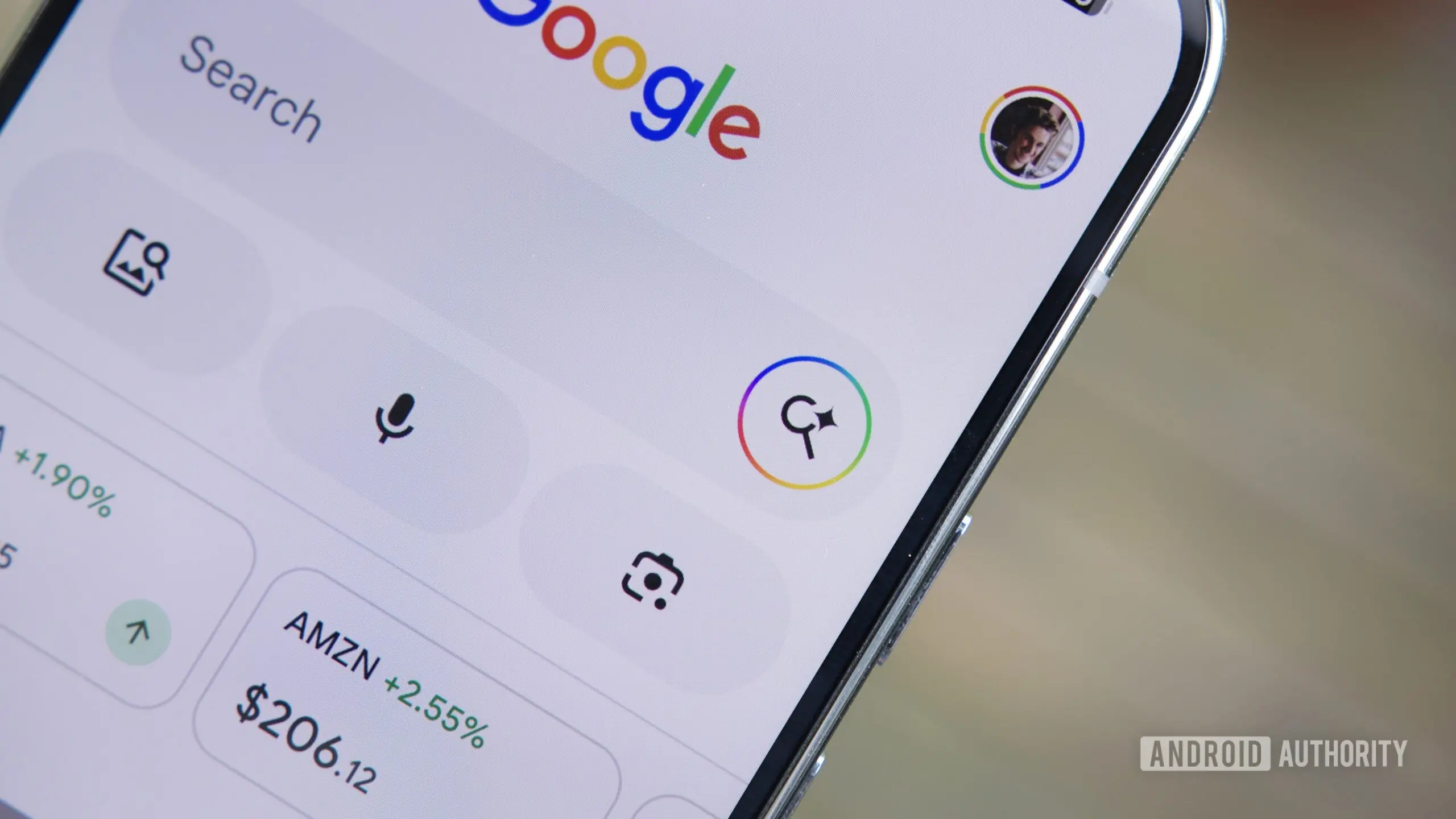
Google is introducing a significant change to how users interact with search results on Android. A new 'Ask' button will appear in the custom tab window that opens when tapping a link from Google Search. This button connects directly to AI Mode, attaching the webpage as context for follow-up queries. The feature aims to eliminate the jarring experience of losing a webpage when initiating a new search, a common frustration for mobile users.
How the new 'Ask' button works
When a user taps a search result link, the page opens in a Google custom tab. At the top, alongside the URL bar and navigation controls, a new 'Ask' button is now visible. Tapping this button launches AI Mode with the current webpage already loaded as context. Users can then type questions about the content, such as 'Summarize the main points,' 'What are the key statistics mentioned?' or 'Explain the technical terms used.' This goes beyond the existing 'Summarize page' feature in Gemini, offering a more interactive and query-driven approach.
Returning to the original webpage is simple: a downward-facing arrow in the top-right corner lets users dismiss the AI Mode overlay and go back to reading. The feature is being tested in version 17.24.25 of the Google app for Android, with reports from users on Telegram and internal testing confirming its activation.
Comparison with Chrome's AI Mode
A similar capability already exists in Chrome for Android. In Chrome's AI Mode, users can add tabs to their queries by tapping the '+' icon. This allows multiple webpages to be used as context simultaneously. The new Google app feature is more streamlined for single-page context, but both reflect Google's broader strategy of integrating generative AI directly into the search and browsing experience. The key difference is that the Google app version is triggered directly from a search result, making it more accessible for casual users who may not use Chrome's dedicated AI Mode.
Expanding AI Mode with file attachments
Beyond webpages, Google is also testing the ability to attach files within AI Mode on the Google app. The company has already enabled file attachment in Chrome's AI Mode, and now similar functionality is being prepared for the Google app. Users will be able to attach documents, spreadsheets, and other files saved locally on their Android device. Furthermore, an option to attach files directly from Google Drive is also in development. This would allow users to ask questions about work documents, research papers, or personal files without leaving the search interface.
These file attachment features are not yet live for most users, but they have been activated through experimental flags in the Google app. The integration of Drive files is particularly notable, as it could transform AI Mode into a powerful productivity tool for analyzing and querying personal and professional data. For example, a user could open a research PDF from Drive, tap 'Ask,' and then request a summary or ask for specific data points without manually searching through the document.
Background and strategic context
Google's AI Mode was launched as part of the Search Generative Experience (SGE) initiative, which aims to augment traditional search results with AI-generated responses. The feature has been gradually expanding, with support for follow-up questions, contextual understanding, and now web page and file attachments. This move positions Google Search as more than a link directory; it becomes an interactive assistant capable of deep analysis. The 'Ask' button is a natural progression, reducing friction between browsing and querying. It also aligns with the industry trend of embedding AI assistants directly into the browsing flow, as seen with Microsoft's Copilot in Edge and various browser extensions.
For Android users, the feature is particularly impactful because mobile browsing often involves limited screen real estate and multitasking constraints. Having to switch between a webpage and a new search tab can break concentration. Google's solution keeps the context intact, allowing users to ask questions without losing the original page. This could increase engagement with longer-form content, as users can clarify doubts immediately rather than opening a new search and forgetting the original article.
Technical implementation and rollout
The feature is server-side, meaning it does not require a specific app version to appear, though it is being tested with version 17.24.25. Google is deploying it gradually, likely based on user signals and A/B testing. The AI Mode backend uses the Gemini 2.0 model, which is capable of understanding long documents and providing nuanced answers. When a user attaches a webpage, the AI processes the entire content—including HTML structure, text, and metadata—to generate contextually relevant responses. The same applies to attached files, which are parsed for text content and layout.
Privacy considerations are crucial. Google states that AI Mode interactions are handled according to its privacy policy, with data used to improve the model but not linked to individual accounts after processing. Users concerned about privacy can disable AI Mode in settings or limit its use to certain search categories.
Comparison with similar features from competitors
Apple's Safari offers Reader View and built-in summarization, but does not allow interactive questioning about a webpage. Microsoft's Copilot in Edge can summarize and answer questions about the current page, but requires the user to open the Copilot sidebar manually. Google's integration directly from the search results tab is more seamless because the user never leaves the search ecosystem. On the other hand, third-party tools like Monica.im or Perplexity AI also offer page-query features, but they are extensions or standalone apps. Google's advantage is the sheer reach of its Search app on billions of Android devices.
The addition of Drive file attachments is a unique differentiator, as it bridges personal cloud storage and AI analysis. This could appeal to professionals who rely on Google Workspace. For example, a marketer could attach a campaign report from Drive and ask for performance insights, or a student could attach lecture notes and request explanations of key concepts.
The feature is still in early testing, but the rapid rollout of similar capabilities across Google products suggests it will become widely available in the coming months. Users can expect the 'Ask' button to appear in the Google app for Android, with Chrome's AI Mode continuing to offer more advanced multi-tab and file integration. As AI models become more performant, the line between browsing and querying will blur, making the web a more interactive and responsive environment.
Source: Android Authority News